

In cross-border operations, social media matrix management, and ad campaigns, multi-account management has become a key strategy. Many developers and teams want to build a Dev.to account matrix to increase article posting efficiency, engagement, and traffic.
This guide will explain how to use OKBrowser to set up a Dev.to account matrix and highlight the benefits and practical steps.
Why Use OKBrowser for Dev.to Account Matrix?
OKBrowser is an anti-detect browser that provides each account with a completely isolated browsing environment. Key benefits include:
- Independent Fingerprint Environment: Each Dev account has its own User-Agent, timezone, language, screen resolution, Canvas/WebGL fingerprint.
- Anti-Ban Protection: Combine with independent IPs to reduce the risk of platform detection.
- Operational Efficiency: Manage multiple accounts simultaneously with ease.
- Multi-Scenario Use: Applicable not only to Dev.to but also GitHub, Medium, social media, and ad account matrices.
With OKBrowser, individuals and teams can achieve “one machine, multiple accounts” safely and reliably.
Steps to Build a Dev Account Matrix
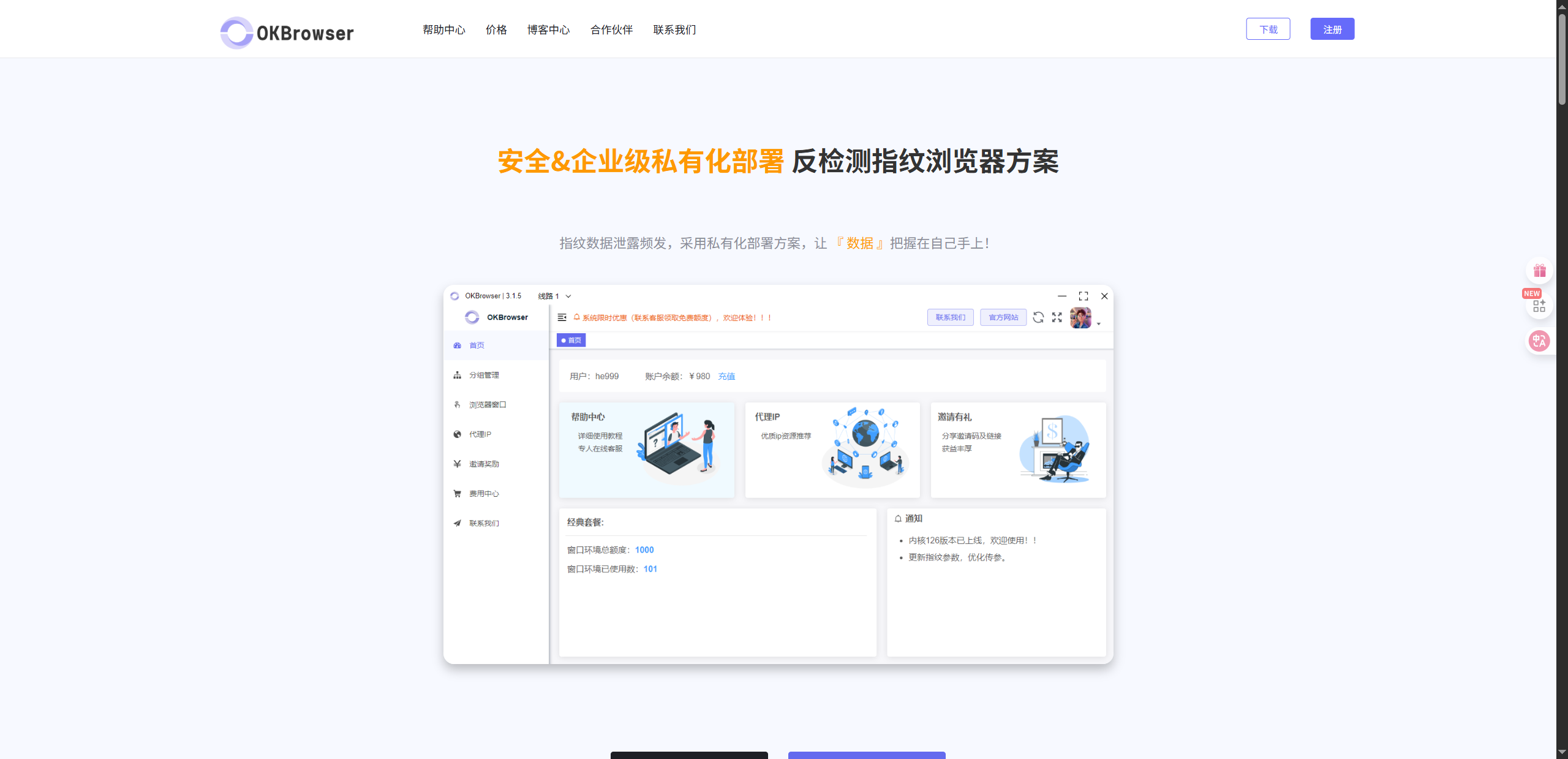
1. Install OKBrowser
- Download and install OKBrowser (supports Windows/macOS).
- Register or activate your account to enable multiple profile creation.
2. Create Independent Profiles
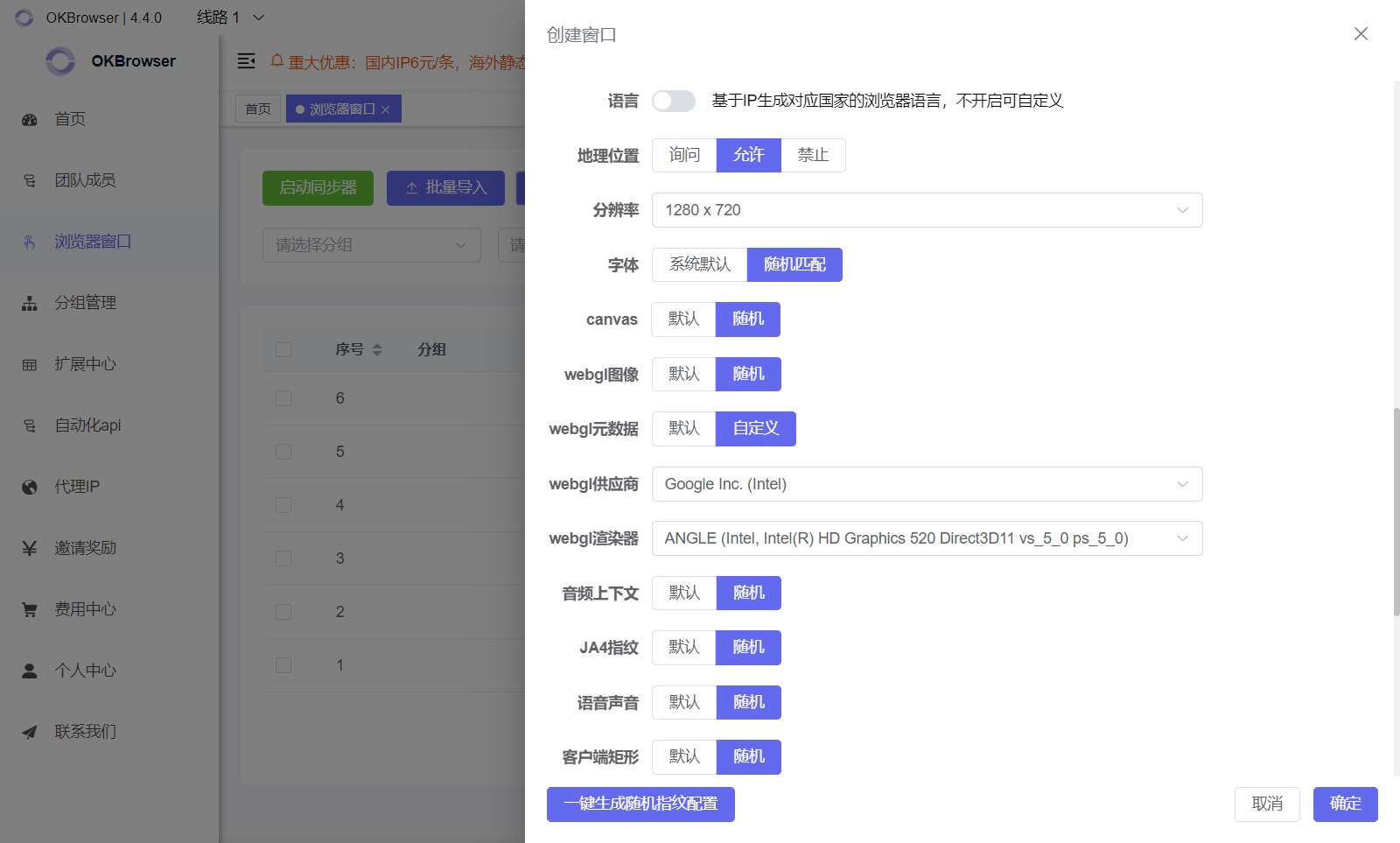
- Click “New Profile” in OKBrowser.
- Configure browser fingerprint settings for each account:
- User-Agent
- Timezone and language
- Screen resolution
- Canvas/WebGL/fonrts
3. Set Up Independent IPs
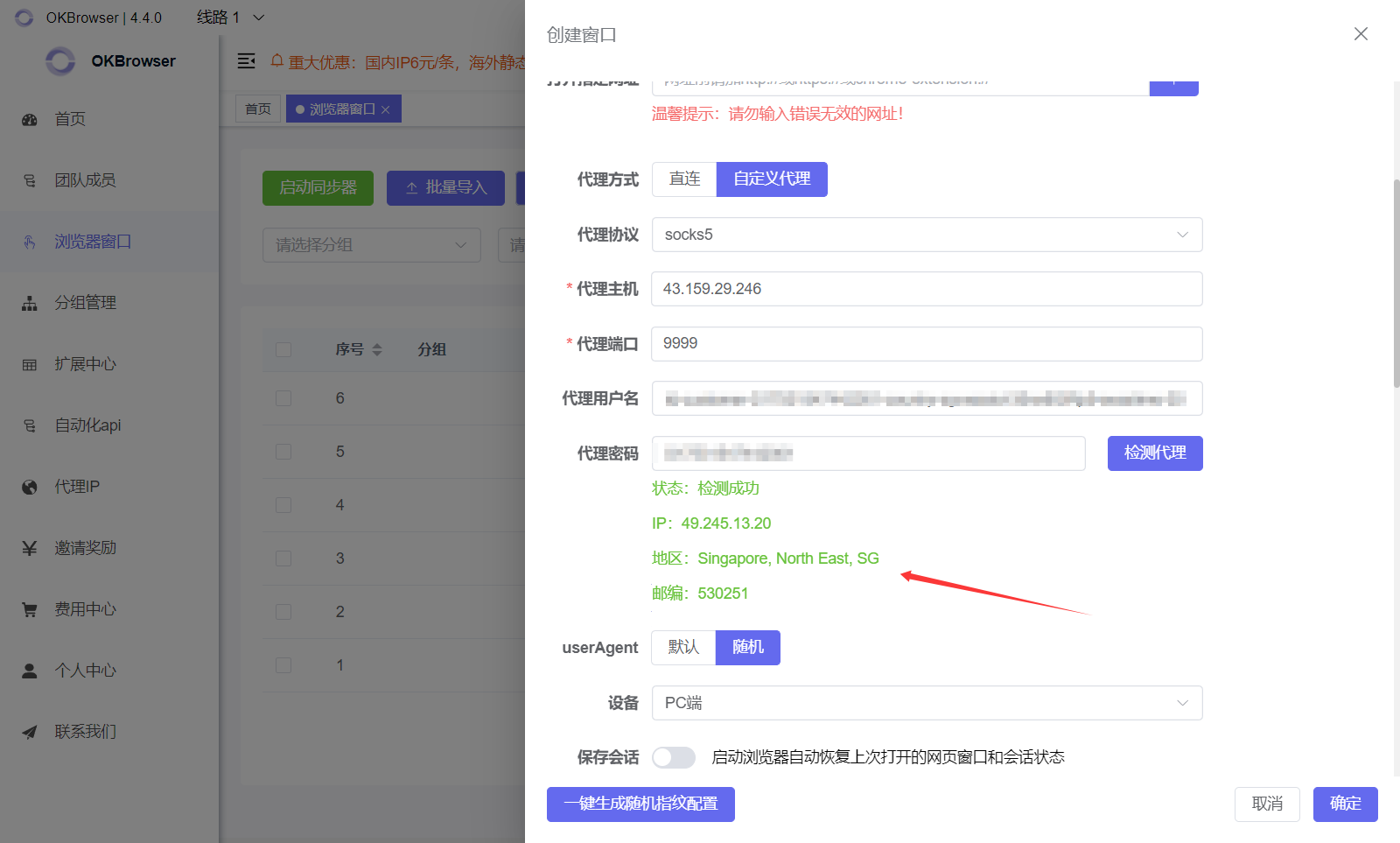
- Assign a residential IP or proxy to each profile, for example using OKKProxy.
- Recommended: one Dev account per IP (“one machine, one account”).
- Test the proxy to ensure it works properly with Dev.to.
4. Register and Manage Dev Accounts
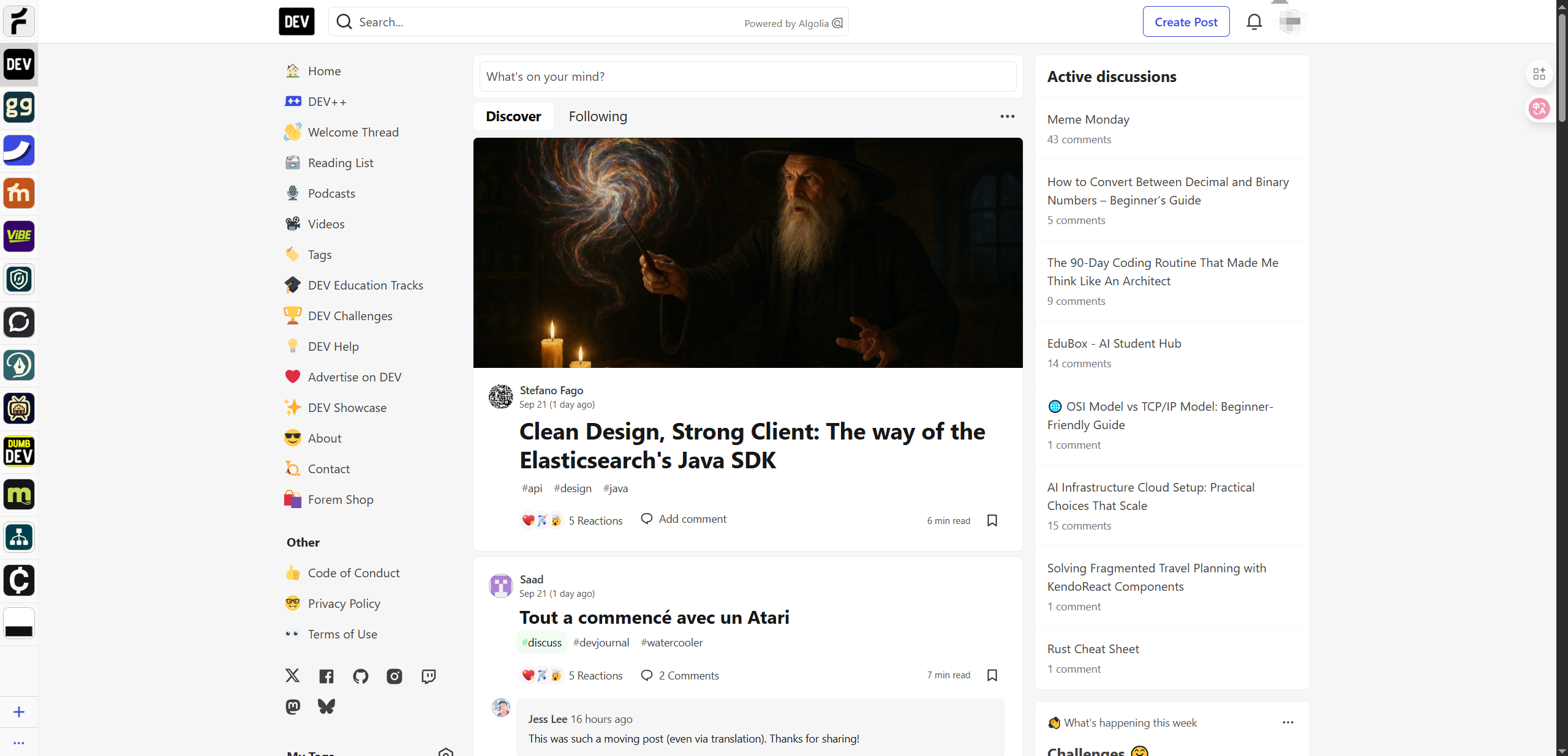
- Use each independent profile to register a new Dev account.
- Operate in batches, avoiding mass registration at once.
- Build account credibility: browse, like, and comment to simulate normal user activity.
5. Daily Maintenance
- Regularly update IPs to maintain independent network environments.
- Keep detailed records of account credentials.
- Publish quality content and interact regularly to keep accounts active.
Benefits of a Dev Account Matrix
- Increase Article Exposure
Multiple accounts can like and comment on each other’s posts, boosting rankings and visibility. - Test Multiple Variations
Perform A/B tests on titles, tags, and content to optimize engagement. - Traffic Distribution
Matrix accounts can direct traffic to your main account or website, achieving targeted lead generation. - Reduce Ban Risk
Each account uses independent fingerprints + IPs and simulates real user behavior, minimizing the chance of Dev.to detecting automated activity.
Best Practices
- Avoid posting duplicate or spam content. Maintain high-quality matrix accounts.
- Operate accounts at a reasonable pace, simulating real user behavior.
- Use stable residential IPs to prevent disconnections or access errors.
Conclusion
Using OKBrowser with residential IPs to build a Dev.to account matrix allows you to:
- Safely manage multiple accounts
- Boost content exposure and engagement
- Operate efficiently as an individual or team
- Reduce the risk of account bans
If you are managing a Dev account matrix or multiple accounts, OKBrowser + Residential IP is the most reliable solution.