📊 Why Facebook Web Version Matters for Marketers
With over 3 billion active users, Facebook remains one of the most powerful global marketing platforms.
While most users browse via mobile apps, marketers and sellers can benefit greatly from the web version — with broader control, data visibility, and better integration with third-party tools.
This guide will show how to use Facebook Web efficiently and how OKBrowser helps you manage multiple accounts securely.
🧭 Facebook Web Key Features
1️⃣ Access and Login
Visit facebook.com, log in with your email or phone.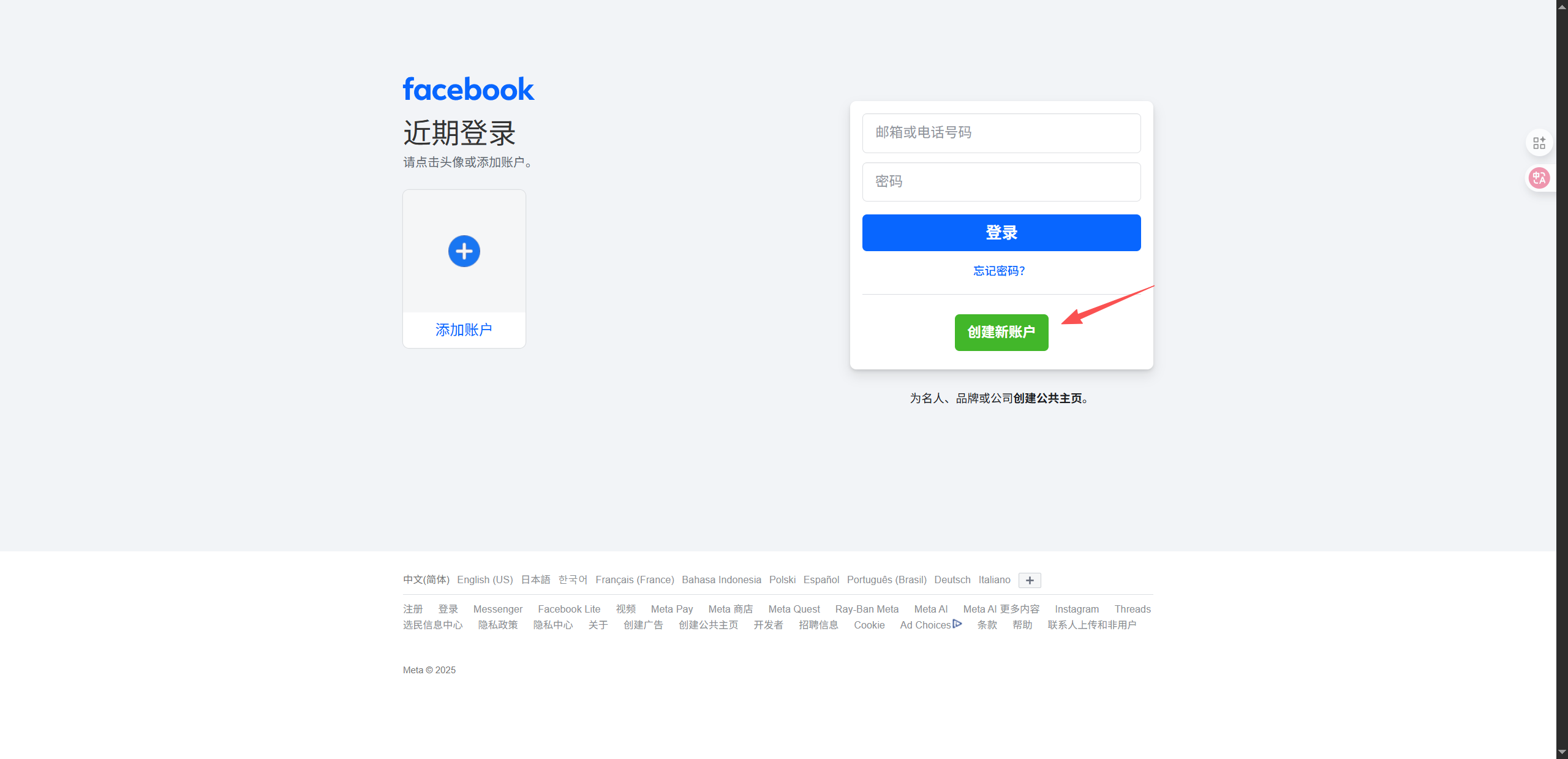
In OKBrowser, each account runs in an independent browser environment, ensuring zero cross-account linkage.
2️⃣ Post and Engagement
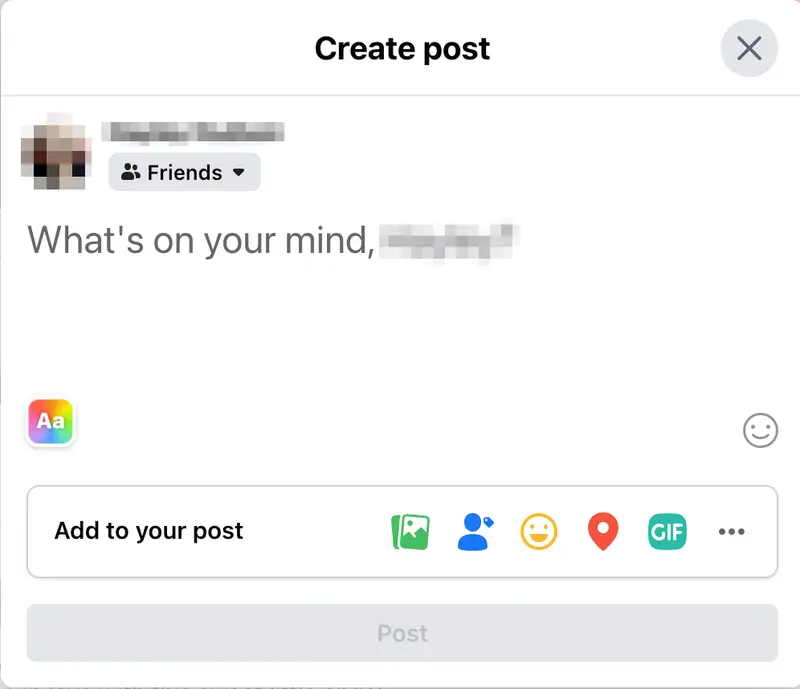
- Create detailed posts and scheduled content easily.
- Interact with multiple posts simultaneously using tabs.
- Manage audience visibility (Public, Friends, Custom).
With OKBrowser, marketers can post from multiple accounts without triggering Facebook’s detection.
3️⃣ Page & Ad Management
- Manage Page Insights: engagement, reach, follower growth.
- Update profile info and visuals directly.
- Access Ads Manager for campaign creation and optimization.
🚀 Benefits of Using Facebook Web
✅ Enhanced Multitasking
Monitor ads, manage pages, and reply to messages simultaneously in different tabs.
✅ Better Integration with Tools
OKBrowser supports popular marketing tools like Sprout Social, BuzzSumo, and Meta Business Suite Extensions — all running in isolated browser profiles.
✅ Comprehensive Analytics
Facebook Web offers a wider view of ad data and allows easy export for advanced analysis.
⚙️ Advanced Tips: Manage Multiple Facebook Accounts with OKBrowser
🧩 1. Account Isolation
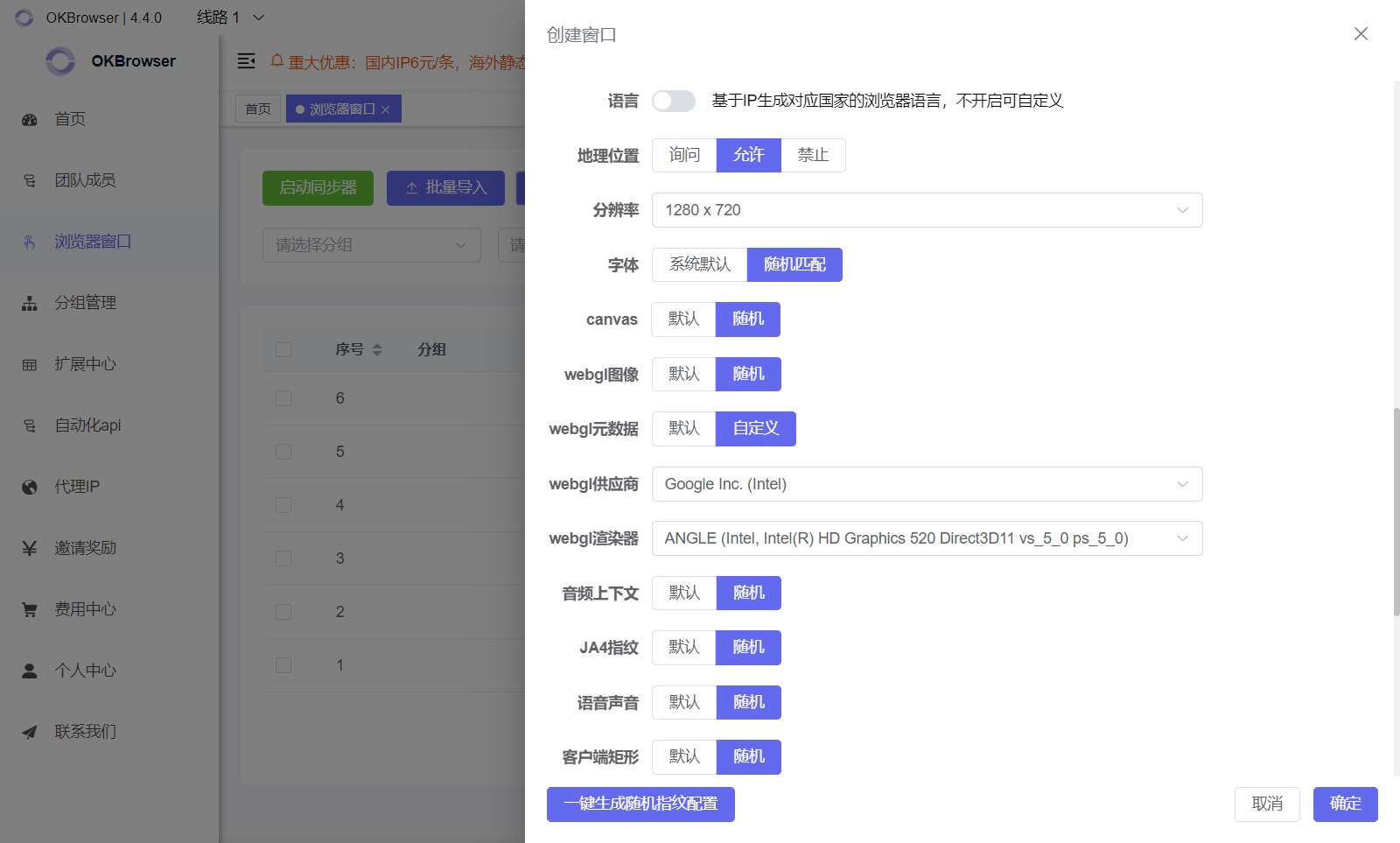
Each Facebook account runs in a separate fingerprint environment with unique IP, cookies, and device data — minimizing ban risks.
👥 2. Team Collaboration
Assign, share, and track account usage securely with OKBrowser’s team features.
🌍 3. Proxy Integration
Bind local or regional proxies to simulate real geographic access.
🤖 4. Automation (RPA)
Use OKBrowser’s RPA to:
- Automate likes, posts, and comments
- Schedule daily activity tasks
- Maintain account warmth safely
🏁 Conclusion
Facebook Web is the foundation of successful social media marketing.
When combined with OKBrowser, you gain full control, automation, and security for multi-account management — the key to scaling cross-border campaigns.
🔥 Start using OKBrowser today to supercharge your Facebook marketing!
👉 Join OKBrowser Now