Why Upwork Has Strict Security Checks
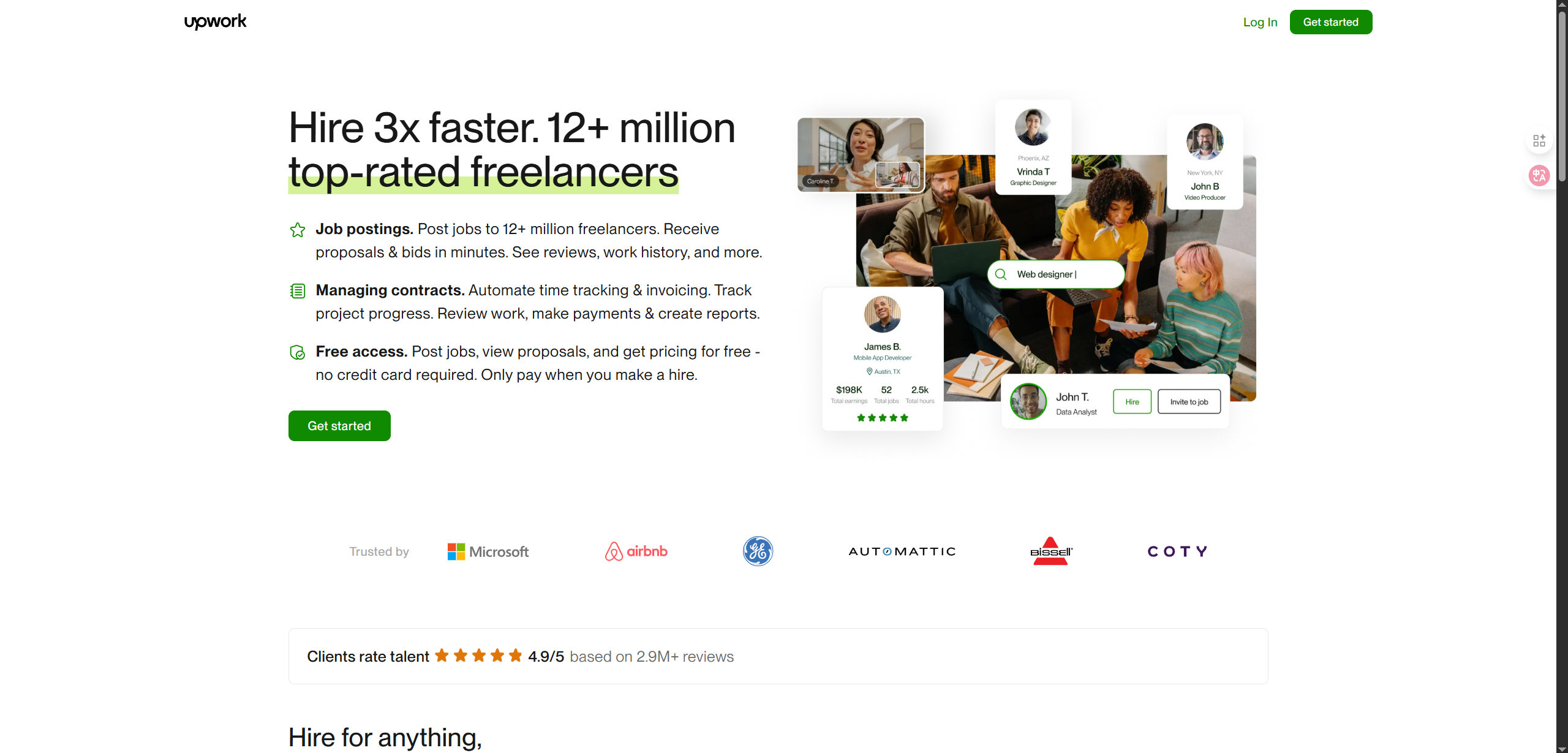
Upwork monitors account environments closely to prevent fraud and abuse. It checks:
- IP Address: Frequent IP changes or data center proxies trigger risk control.
- Browser Fingerprints: Includes User-Agent, Canvas, WebGL, timezone, language, etc.
- Device Consistency: Logging multiple accounts on the same device may lead to linking.
To succeed on Upwork, your account environment must appear unique and authentic.
Key Advantages of OKBrowser
OKBrowser is a professional fingerprint browser designed for cross-border e-commerce, freelancing platforms, and multi-account operations. Its main advantages include:
- Prevent Account Linking
Each account runs in an isolated environment with separate cookies, cache, and fingerprints. - Multi-Account Management
Create multiple browser profiles to manage several Upwork accounts simultaneously. - Simulate Real Devices
Customize timezone, language, and resolution to match real user environments. - Team Collaboration
Share browser profiles across devices, enabling distributed account management. - Seamless Proxy Integration
Easily configure residential proxies such as OkkProxy to reduce risk further.
Step-by-Step Guide: Using OKBrowser with Upwork
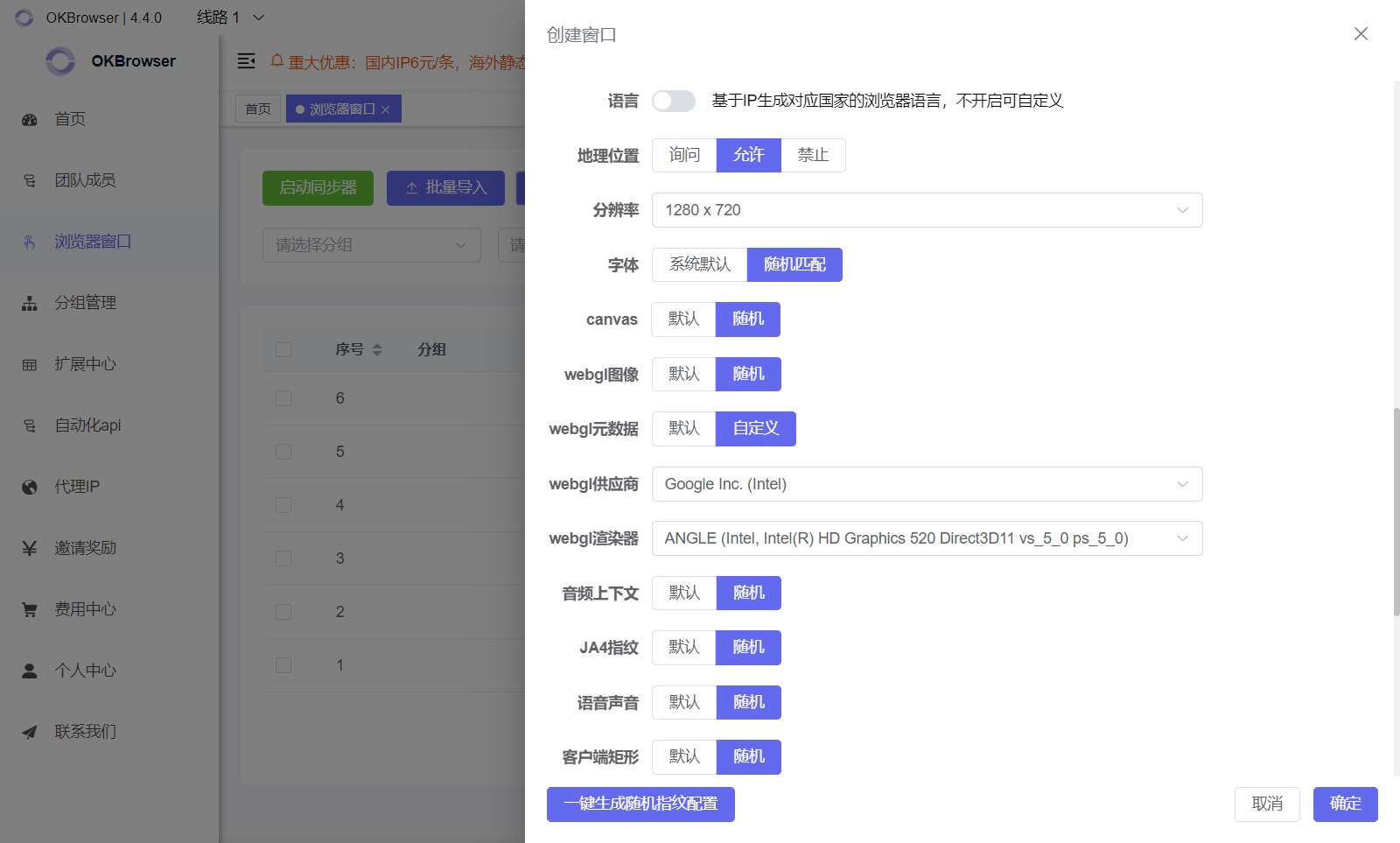
- Create Independent Browser Profiles
- Assign each Upwork account to a unique environment.
- Match fingerprint settings (timezone, language, resolution) with your target market.
- Configure Proxies (Optional: OkkProxy)
- Enter proxy details (IP, port, username, password) in OKBrowser.
- Choose residential IPs that align with your client’s region.
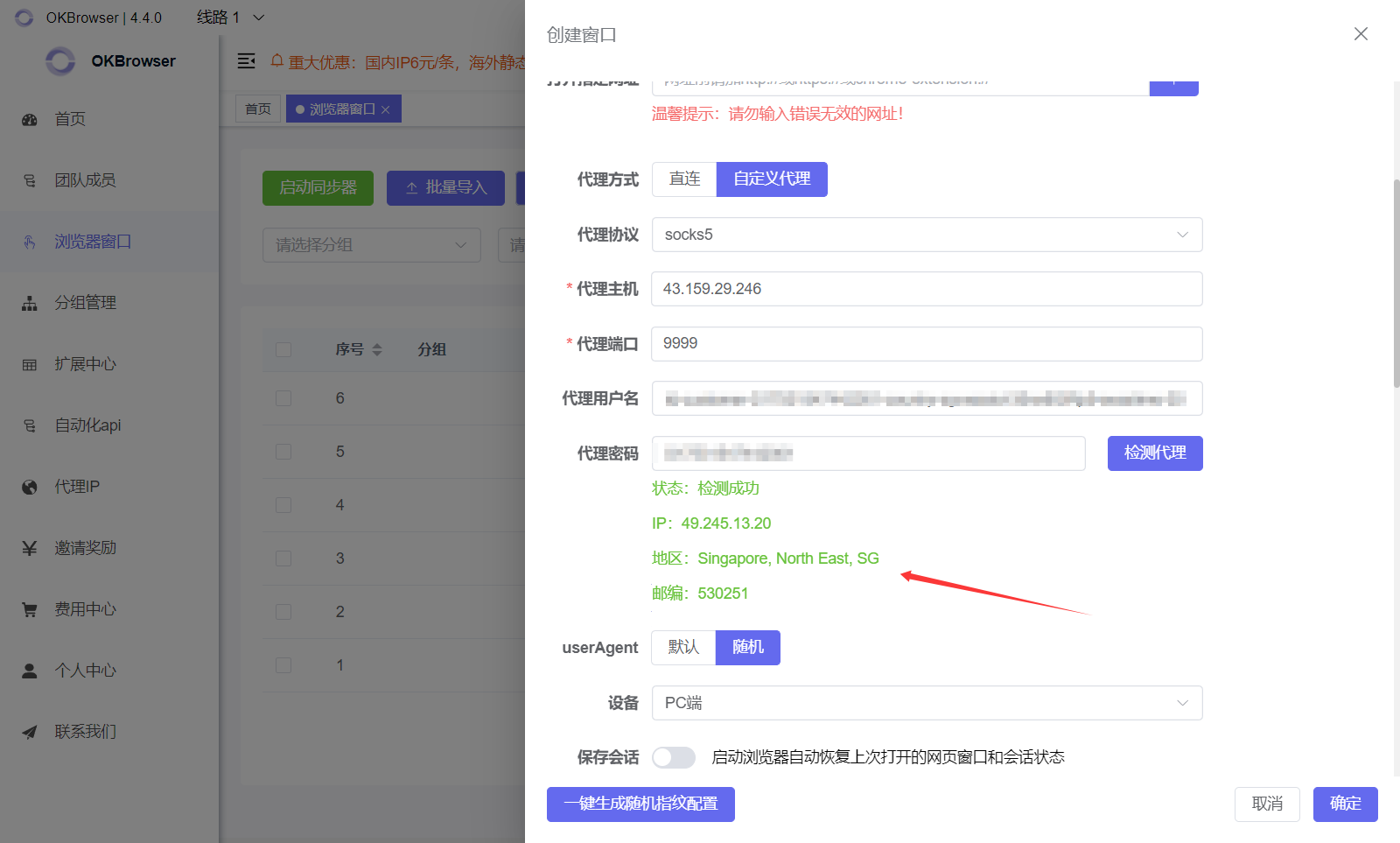
- Register/Login to Upwork
- Access Upwork using the configured environment.
- Keep each account tied to one profile and proxy node.
- Best Practices
- Never switch multiple accounts within the same environment.
- Keep IPs consistent with the account’s region.
- Avoid logging into multiple accounts simultaneously.
Practical Use Cases
- Freelancers: Use region-specific environments to increase client trust.
- Agencies/Teams: Distribute accounts across team members with isolated profiles.
- Multi-Account Strategy: Manage accounts for different skills (design, development, translation) separately.
Benefits
- Stable Accounts: Reduce bans and restrictions.
- Better Client Trust: Clients see consistent, authentic environments.
- Efficient Teamwork: Share OKBrowser profiles for distributed management.
- Competitive Advantage: A reliable setup helps you win more long-term clients.
Conclusion
On Upwork, account security is the foundation of success.
With OKBrowser’s fingerprint isolation, you can operate accounts more safely, reduce risk, and improve your chances of winning projects.
When combined with OkkProxy’s residential IPs, your setup becomes even more authentic and stable, giving you a strong edge in the global freelancing market.