
How to Hide Data-Scraping Tools from Detection — An OKBrowser Guide
Websites continually defend against automated traffic. If your scraper is identified as a bot, it will be quickly blocked—resulting in incomplete datasets, wasted time, and extra cost. The solution isn’t just more requests or faster rotation; it’s to make your scraper behave and appear like a real user.
OKBrowser helps you do exactly that by simulating real browsing environments, managing fingerprints and sessions, and integrating with residential/mobile proxies to enable long-term, stable scraping.
1. How Websites Detect Scrapers
Modern anti-bot systems use multiple signals in combination:
- IP tracking and request rate: Monitoring the number and rhythm of requests from an IP. High frequency or bursts lead to blocks or challenges.
- Browser fingerprinting: UA, timezone, language, screen resolution, fonts, Canvas/WebGL/Audio fingerprints—suspicious or repeated combinations reveal automation.
- Behavior analytics: Mouse movements, scroll patterns, typing/click timing and session duration separate humans from bots.
- JavaScript & CAPTCHA checks: Platforms like Cloudflare, DataDome require JS to run correctly; failure triggers challenges.
- Advanced risk engines: Large vendors aggregate IP reputation, fingerprint signals and behavioral graphs to make blocking decisions.
Takeaway: To evade detection you must address IPs, fingerprints, behavior and JS capability — not just IPs.
2. Why IP Rotation Alone Is Insufficient
Rotating proxies only changes the IP — but many detection layers remain:
- Unchanged fingerprints allow re-linking across different IPs.
- Failure to execute JS or simulate user interactions flags requests as non-human.
- Low quality proxies (data-center or public VPNs) are often blacklisted or show abnormal access patterns.
A robust approach ties each IP to a realistic browser fingerprint, maintains session continuity, and simulates genuine user behavior.
3. Making Scrapers Look Like Real Users — OKBrowser Best Practices
Your scraper should act like a person on a real device. Key tactics:
- 1:1 IP ↔ Fingerprint mapping
- Assign a unique browser profile to each proxy (UA, timezone, language, resolution, font set).
- OKBrowser supports profile-level proxy binding to avoid cross correlation.
- Warm up sessions & cookies
- Simulate normal browsing to generate cookies before scraping (visit landing pages, load assets, random navigation).
- Rotate sessions periodically to mimic natural user behavior.
- Behavior simulation: scrolling, mouse, pauses, randomization
- Implement human-like delays, randomized scroll speeds, occasional tab switching and varied click locations.
- Enable full JS and rendering
- Use a full browser engine (not stripped headless) so Canvas, WebGL and scripts run normally.
- OKBrowser includes anti-detection rendering tweaks to bypass common fingerprint checks.
- Smart proxy selection
- Prefer high-quality residential or mobile proxies, matched to the target region and session type.
- Rotate intelligently: preserve geographic consistency and session stickiness when needed.
- Captcha & challenge handling
- Treat CAPTCHA solving as a fallback. First try to reduce triggers via better behavior/rotation; use solving services sparingly.
4. Recommended Toolchain & Strategy
No single tool covers all detection vectors. Use a combined stack:
- OKBrowser — profile & fingerprint management, session handling, rendering and anti-detection features.
- Residential / Mobile Proxies — region-accurate IPs with high trust scores.
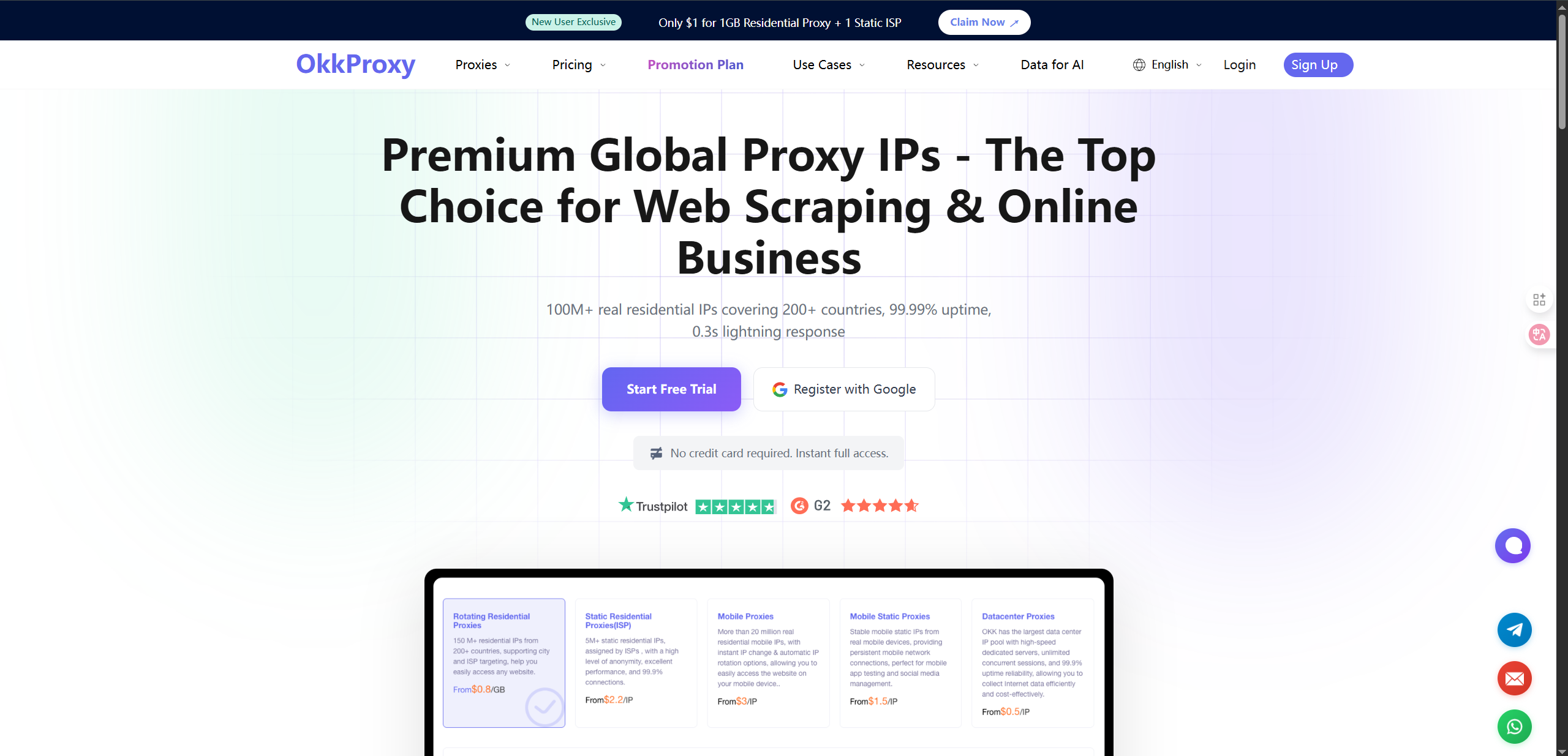
- Behavior scripts (Puppeteer / Playwright) — orchestrate realistic browsing flows in the OKBrowser environment.
- Monitoring & automation — detect 403s, CAPTCHAs and redirects and automatically rotate proxies or slow down scraping.
5. Common Mistakes That Expose Scrapers
- Reusing identical IPs or fingerprints across sessions.
- Sending mass requests in short intervals.
- Running stripped down headless clients without hiding detectable traits.
- Ignoring real page interactions (no scroll, no clicks, no waiting for async content).
- Lacking alerts for blocking signals.
6. Final Pre-Run Checklist
- [ ] Is every proxy bound to a unique browser profile?
- [ ] Have you warmed up cookies and sessions?
- [ ] Is full JS / Canvas / WebGL rendering enabled?
- [ ] Are scrolling and click patterns randomized?
- [ ] Are proxies matched to target geography and quality standards?
- [ ] Is there monitoring to detect CAPTCHAs, 403s and unusual redirects?
- [ ] Is CAPTCHA solving reserved as last resort?
7. Why OKBrowser Is the Better Choice to Hide Scrapers
OKBrowser centralizes the capabilities you need to make scrapers appear as real users:
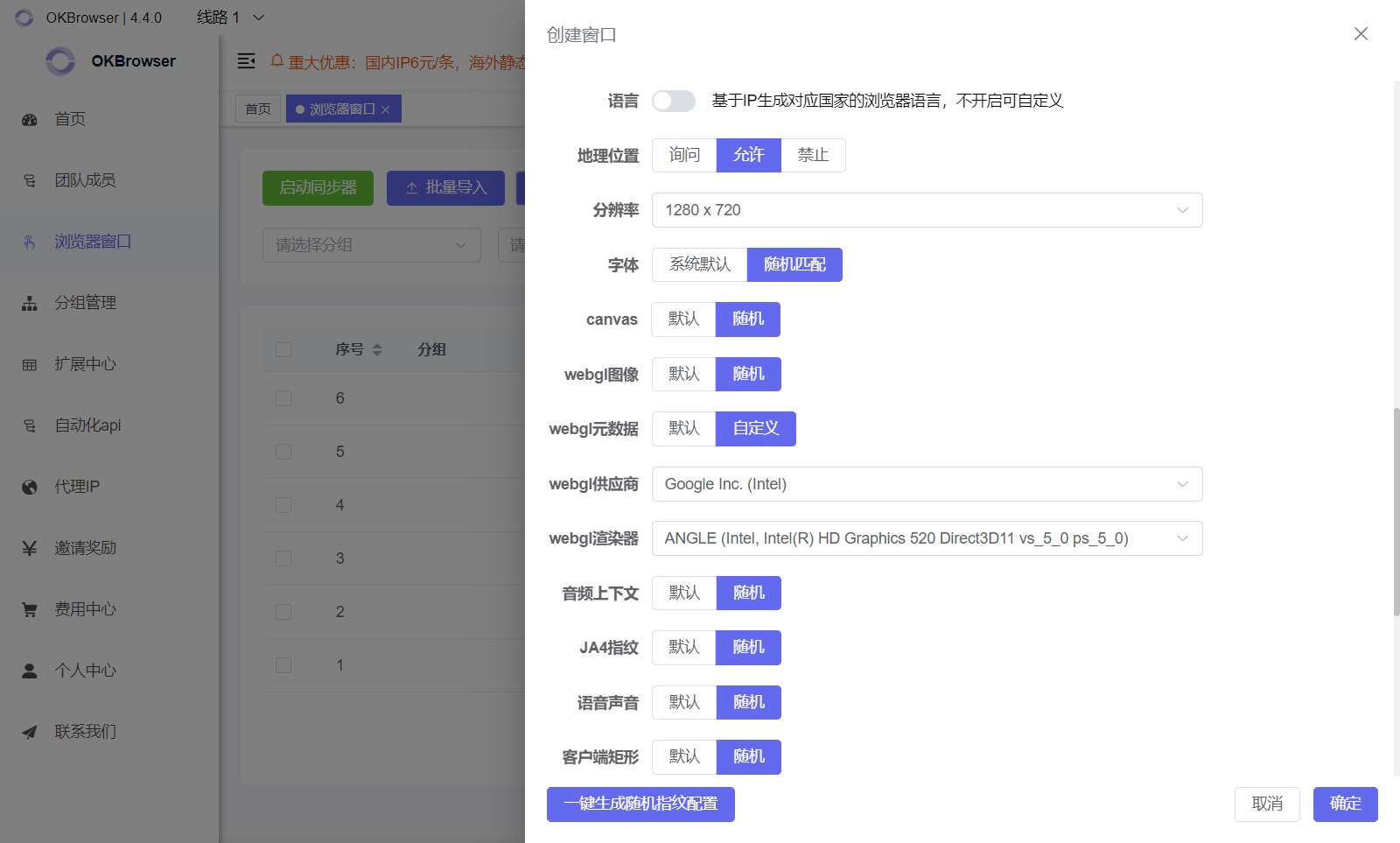
- Distinct browser profiles: isolated fingerprint, cookie and proxy per profile.
- Native rendering & anti-detection: full browser features ensure scripts and media render correctly.
- Compatibility with automation frameworks: integrate with Puppeteer/Playwright/Selenium while preserving realistic behavior.
- Session stability for long runs: built-in session management and proxy binding reduce frequent re-auth needs.
8. Conclusion
Long-term, large-scale scraping requires more than IP rotation. You must “fully disguise” requests by combining IPs, fingerprints and realistic behavior. Using OKBrowser together with quality proxies, behavior scripts and monitoring yields the most reliable results while minimizing detection risk.
Next step: run small A/B experiments: test several OKBrowser profiles + proxy pools, measure block rates and adjust behavior scripts before scaling up.