

For cross-border e-commerce, social media marketing, and ad campaigns, managing multiple Twitter (X) accounts has become a powerful growth strategy.
However, using multiple accounts on the same device or IP often triggers Twitter’s detection system, leading to bans.
The solution? Anti-detect browsers + Residential IPs.
This guide explains how to safely configure a Twitter account matrix with an anti-detect browser to reduce risks and increase efficiency.
What is an Anti-Detect Browser?
An anti-detect browser is designed for multi-account protection.
It creates an isolated environment for each account, including:
- Independent User-Agent, timezone, and language
- Unique Canvas/WebGL fingerprints
- Separate cookies and local storage
- Dedicated IPs (via proxy integration)
In short, each account looks like it’s running on a completely different device, preventing Twitter from linking them together.
Why Use an Anti-Detect Browser for Twitter?
- Prevent Bans: Separate environments keep accounts safe from detection.
- Efficient Management: Manage multiple accounts simultaneously.
- Matrix Marketing: Distribute content, drive traffic, and boost engagement.
- Global Reach: Combine with residential IPs to operate in different regions.
Setup Guide
1. Prepare Your Tools
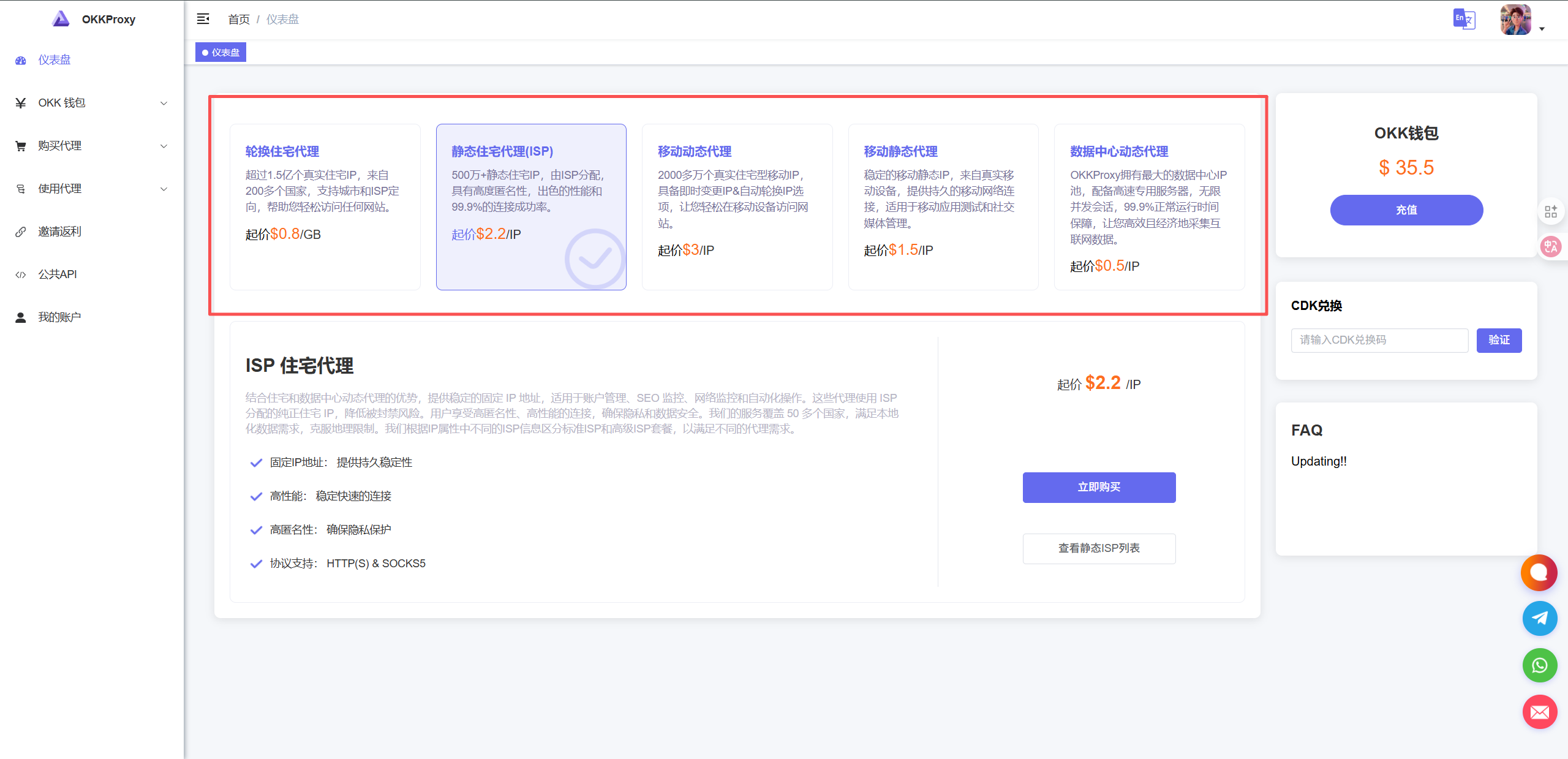
- Anti-detect browser ( OKBrowser, MoreLogin)
- Reliable residential proxies for unique IPs
2. Create Separate Profiles
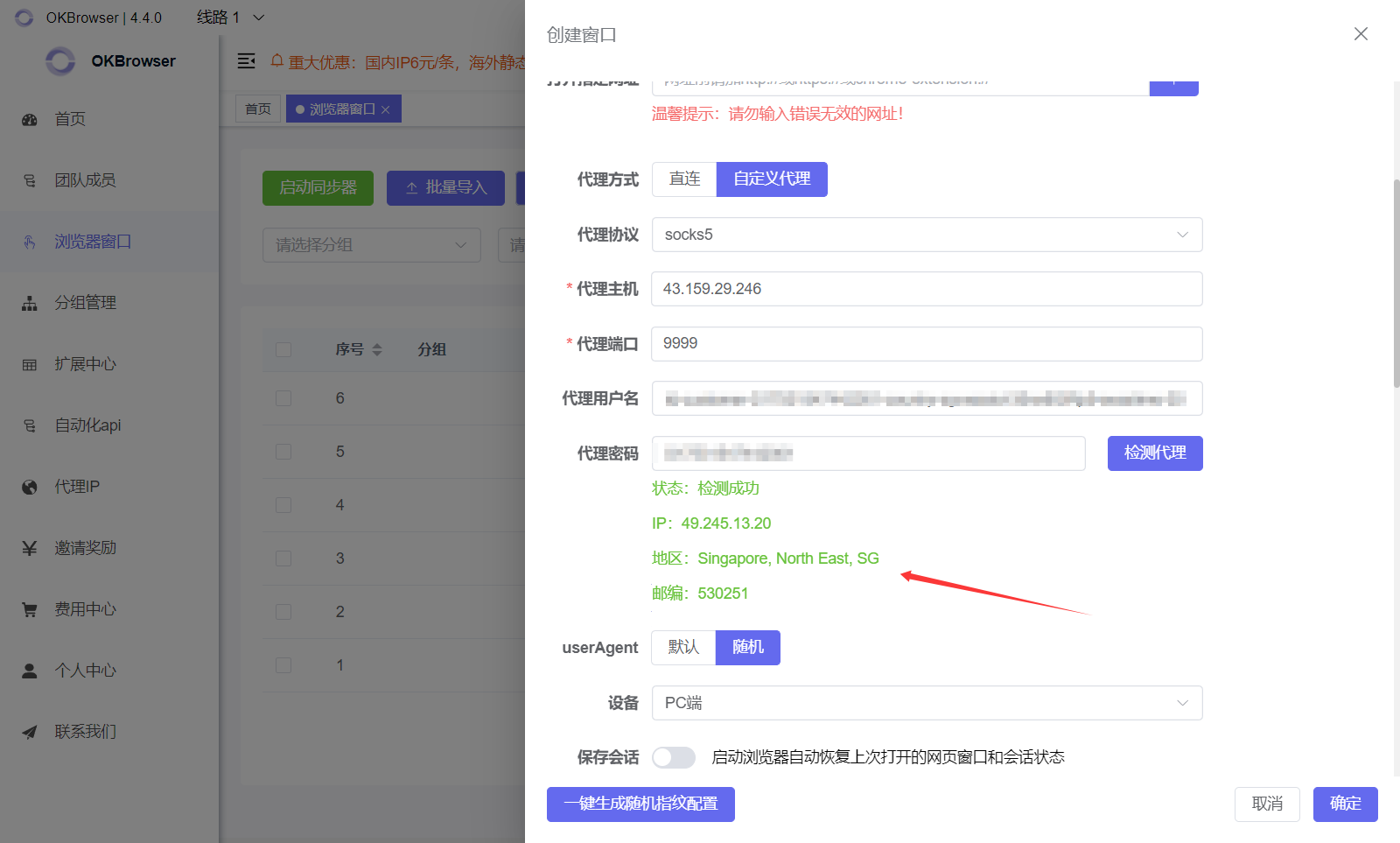
- Open your anti-detect browser, click Create New Profile
- Configure browser fingerprints (UA, resolution, timezone, etc.)
- Add a residential IP to the proxy settings (recommended: one IP per account)
3. Register or Log Into Twitter
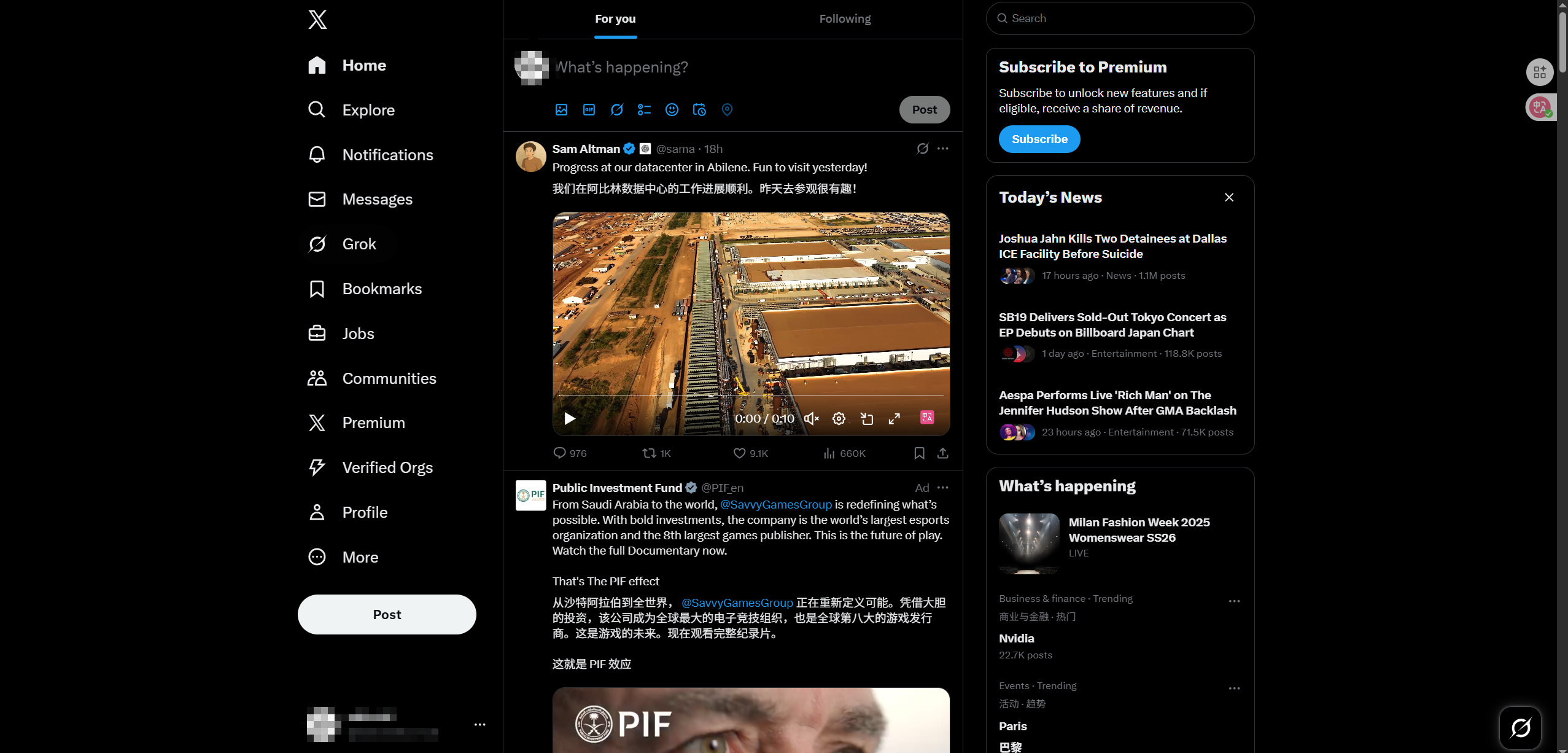
- Use each profile to register or log in to a Twitter account
- Start with natural activity: browsing, liking, following to simulate real users
4. Manage Your Account Matrix
- Assign one IP + one profile per account
- Avoid logging into many accounts simultaneously
- Warm up accounts before launching ads or heavy promotions
Best Practices
- Warm Up Accounts: Avoid using new accounts only for ads; build credibility first.
- Regional Strategies: Choose different IPs per country for diverse targeting.
- Content Variation: Avoid posting the same content across accounts to reduce detection risks.
Conclusion
By combining an anti-detect browser + residential IPs, you can safely build and manage a Twitter account matrix. This ensures:
- Stable and secure multi-account management
- Global reach and targeted campaigns
- Better scalability for social media marketing and e-commerce
If you’re running cross-border e-commerce, social media matrices, or ad campaigns, configuring Twitter with an anti-detect browser is the key to long-term success.