
VM vs Anti-Detect Browsers: Why OKBrowser Is the Right Choice
When managing multiple accounts, protecting privacy, or isolating digital identities, many people consider using virtual machines (VMs), remote desktops (RDP/VNC), or anti-detect browser tools. Which option is better? This article compares them and explains why in many scenarios, OKBrowser is the more sensible, secure, and user-friendly choice.
1. What Are Virtual Machines / RDP / VNC?
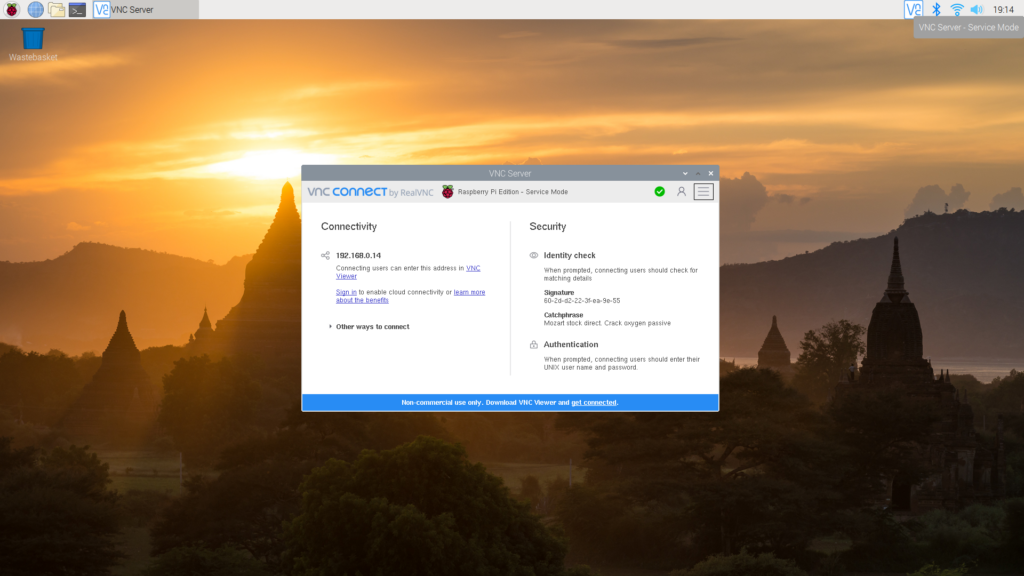
A virtual machine (VM) simulates a full operating system environment so that you can run applications in isolation; RDP (Remote Desktop Protocol) and VNC (Virtual Network Computing) are tools designed to remotely access or share desktop environments. These are commonly used in remote work, server management, or contexts where you need to operate under different environments.
2. Key Differences Between VM / RDP / VNC and Anti-Detect Browsers
| Comparison | VM / RDP / VNC | Anti-Detect Browser (like OKBrowser) |
|---|---|---|
| Level of Isolation | Full OS-level isolation, separate system, hardware, network | Browser-layer masking, focusing on fingerprint, behavior, vs. full OS specs |
| Resource Consumption | High; requires significant CPU, RAM; heavy startup overhead | Much lighter; fast startup; efficient for multi-account switching |
| Configuration & Management | More complex; needs OS-level setup, networking, user permissions | More intuitive; easy UI to configure fingerprints, proxies, profiles |
| Cost & Maintenance | Higher costs (servers, OS licensing, patching); ongoing maintenance | Lower operational cost; centralized updates; fewer moving parts |
| Security & Privacy Risk | More potential exposure: VM vulnerabilities, snapshot leaks, remote access channels | OKBrowser minimizes exposure; designed to obfuscate fingerprint, use proxy/IP, manage permissions well |
3. Why Tools like FraudFox Fall Short
Tools like FraudFox may offer basic capabilities such as spoofing UA, language, screen resolution, or time zone. However, they often fail against more advanced fingerprinting methods because:
- System version, kernel, hardware identifiers remain exposed;
- Deep browser fingerprint vectors like plugins, fonts, WebGL/Canvas aren’t fully addressed;
- Support for switching between multiple accounts or changing contexts frequently is limited.
OKBrowser provides deeper fingerprint controls and more robust protections.
4. Can I Use OKBrowser Inside a Virtual Machine?
Short answer: yes. In fact, combining OKBrowser with a VM / RDP / VNC setup can add an extra layer of protection in edge cases. But for many users this is overkill. OKBrowser is designed so that even without full OS virtualization, it still offers powerful anti-detect and privacy protection.
If you do combine OKBrowser with a VM setup, consider:
- Securing the virtualization environment and remote access channels (encryption, proper permissions);
- Controlling hardware identifiers, system time, display / GPU / driver information;
- Using OKBrowser’s proxy and fingerprint masking features inside the VM;
- Being aware of performance and latency overhead due to virtualization + remote access.
5. Advantages & Best Practices of OKBrowser
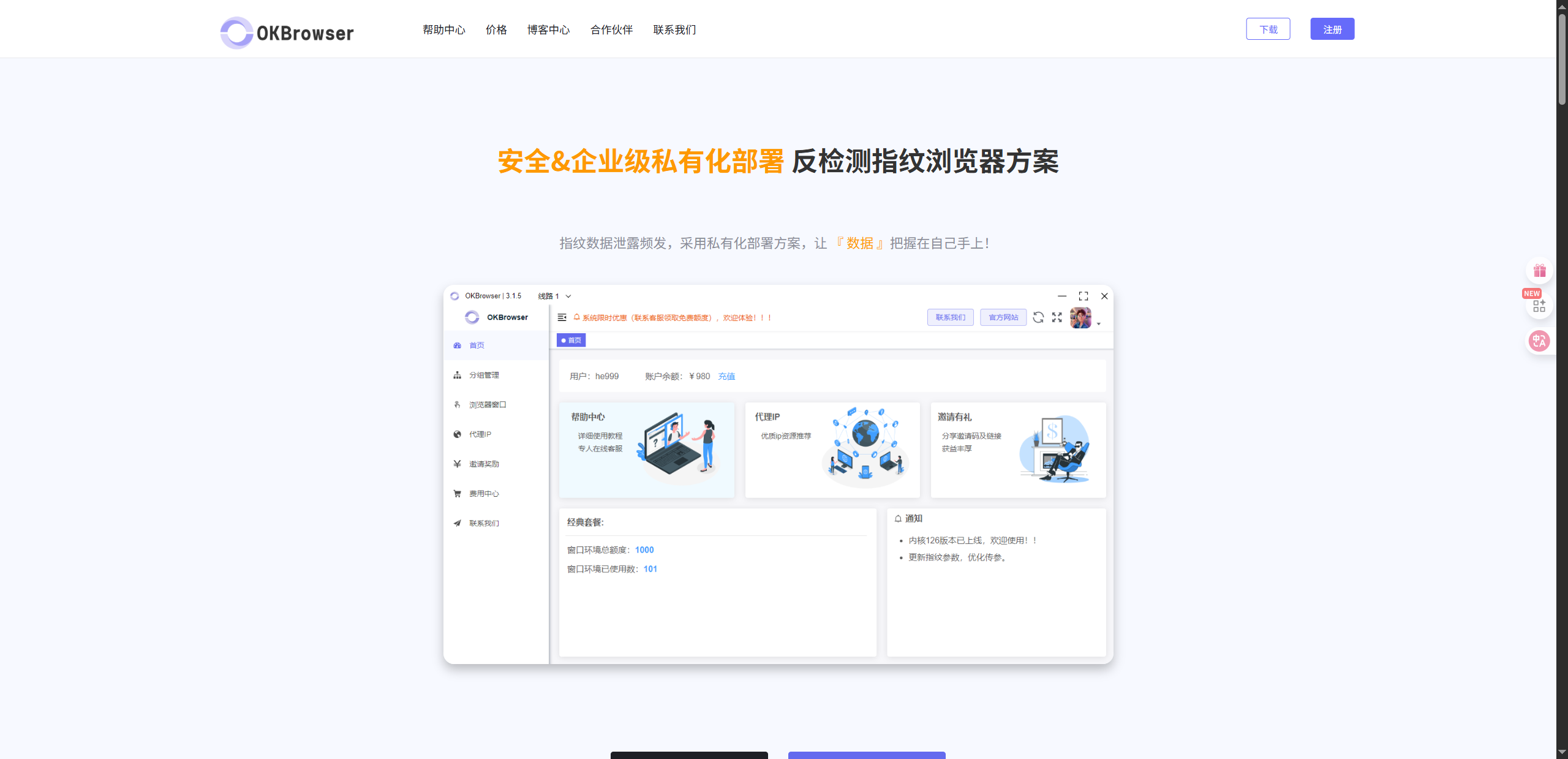
Here are the strengths of OKBrowser in practical use that make it a top choice in many multi-account or high privacy requirements:
- Fast profile configuration & switching: Manage multiple profiles, each with its own fingerprint and proxy settings.
- Comprehensive fingerprint control: Mask UA, time zone, language, screen resolution, fonts / WebGL / Canvas, etc.
- Stealthy IP / proxy support: Support HTTP, SOCKS, private VPNs, dedicated lines to hide network traces.
- Security-first design: Encryption, permission management, automatic updates, vulnerability patching.
- Lower cost & higher efficiency: No need to maintain full virtual OS; less infrastructure required; faster startup and switching.
6. When to Use VM / RDP / VNC vs OKBrowser
| Scenario | VM / RDP / VNC is More Suitable | OKBrowser is More Suitable |
|---|---|---|
| Need full OS-level isolation or different system-level software environments | ✔️ | ❌ |
| Heavy demands for frequent switching, browser fingerprint masking, multi-account work | ❌ | ✔️ |
| Resource and cost sensitivity; need performance & lightweight setup | ❌ | ✔️ |
| Regulatory or corporate requirement for OS-level control and separation | ✔️ | Needs VM + OKBrowser for full coverage |
| Simple browsing, basic account management or low risk tasks | ✔️ | ✔️ (but OKBrowser is faster & more convenient) |
7. Conclusion
Virtual machines, RDP / VNC tools still have their place, especially when deep system-level isolation is necessary. But for most users, teams, or workflows, OKBrowser offers a better balance: lighter, more efficient, easier to manage, while still delivering strong anti-detection and privacy protections.
If you care about multi-account work, fingerprint anonymization, proxy / IP flexibility, and fast context switching — OKBrowser may be exactly what you need.